Diffit vs to teach: differentiated materials, lesson planning and exports
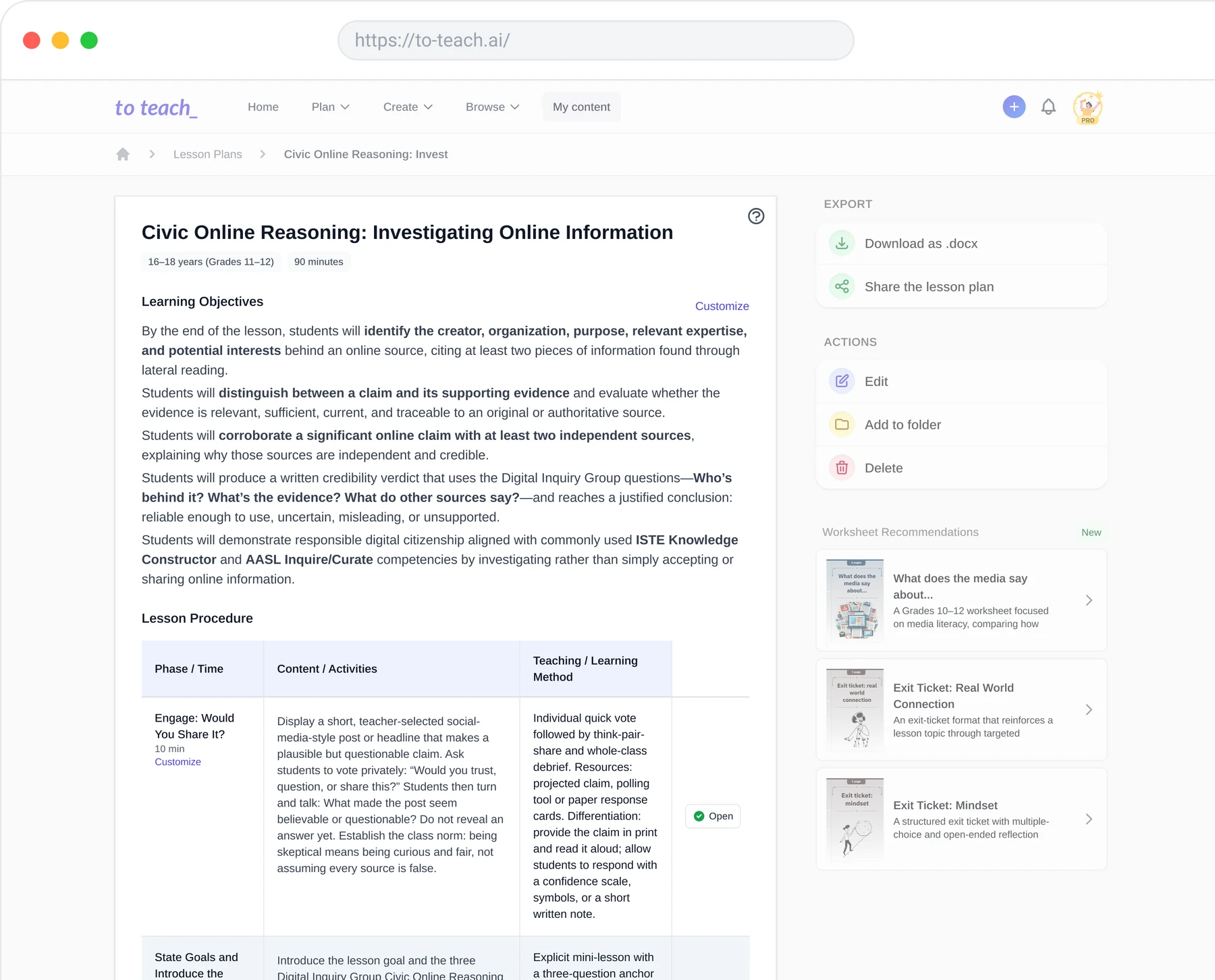
Diffit helps teachers adapt resources for different learners. With to teach, you can also build your preparation around a connected teaching unit: start from lesson plans, then create the required materials for each lesson phase in a few clicks. If you want the unit, individual lessons and student activities to fit together, that connected workflow is the reason to try to teach.
By the to teach team · Reviewed: 8 October 2026
Diffit and to teach at a glance
What you need | Diffit | to teach |
|---|---|---|
Adapt an existing resource | Adjust texts, questions and vocabulary for learners | Use your own content as a starting point and adapt teaching materials |
Start from a YouTube video | Use the Chrome extension on YouTube, or paste the transcript into the web app | Paste a video link; the video needs subtitles or a transcript |
Prepare a lesson | Lesson kits, sequences and activities | Build a teaching unit from lesson plans and create materials for each lesson phase |
Print materials | PDF in Basic | PDF worksheet output |
Continue editing elsewhere | Paid plans include Google and Microsoft exports | DOCX for editable materials; H5P for interactive activities |
Browse existing resources | A library of teacher-created resources | Discover materials and inspect shared worksheets and lesson plans |
See Diffit’s differentiation features, lesson workflows, resource library and to teach’s worksheet formats.
Using YouTube? The input workflow is different
Diffit supports YouTube through its Chrome extension: open a video, select Get Resources and describe the resource you want. Without the extension, paste the transcript into the web app. If you already work in Chrome with Diffit installed, you can start at the video. With to teach, paste the link into the YouTube tool and build the worksheet alongside your lesson preparation.
With to teach’s YouTube tool, you can paste the video link and create an editable worksheet from a video with subtitles or a transcript. If videos are a regular part of your lessons, this gives you a direct starting point without copying the transcript yourself.
Differentiation: what needs to change for your class?
A shorter text is not always the only thing a learner needs. Some students need vocabulary support; others need questions that ask them to explain a relationship rather than retrieve a fact. Diffit offers adapted texts, vocabulary scaffolding and question choices, making it a relevant option when you already have a source and want different routes into it.
For a complete lesson, decide what the video contributes before choosing the worksheet. An introduction might need a prediction task; the main activity might need questions that ask students to explain the video’s evidence; consolidation might need an application task. In to teach, create the required materials from the relevant phases of your lesson plan, then adapt them for your learners. For a longer sequence, connect the individual lessons in a unit. Evaluate the tools against the preparation you actually need: a resource from the open source, or materials organised around your lesson.
Take this English video worksheet. It includes a vocabulary crossword, matching tasks and open questions based on Emma Bryce’s TED-Ed video about discarded plastic. Open the student PDF and answer sheet to see the activities themselves. It is a useful example of several ways to work with one source, rather than another list of promised features.
PDF, Word, Google or H5P: choose for the way you teach
Diffit Basic includes printing and sharing as PDF. Its paid individual plan adds exports to Google Docs, Slides, Forms, Classroom and Microsoft. If your department works extensively in those formats, the paid export options are an important part of the choice. See Diffit’s individual plan.
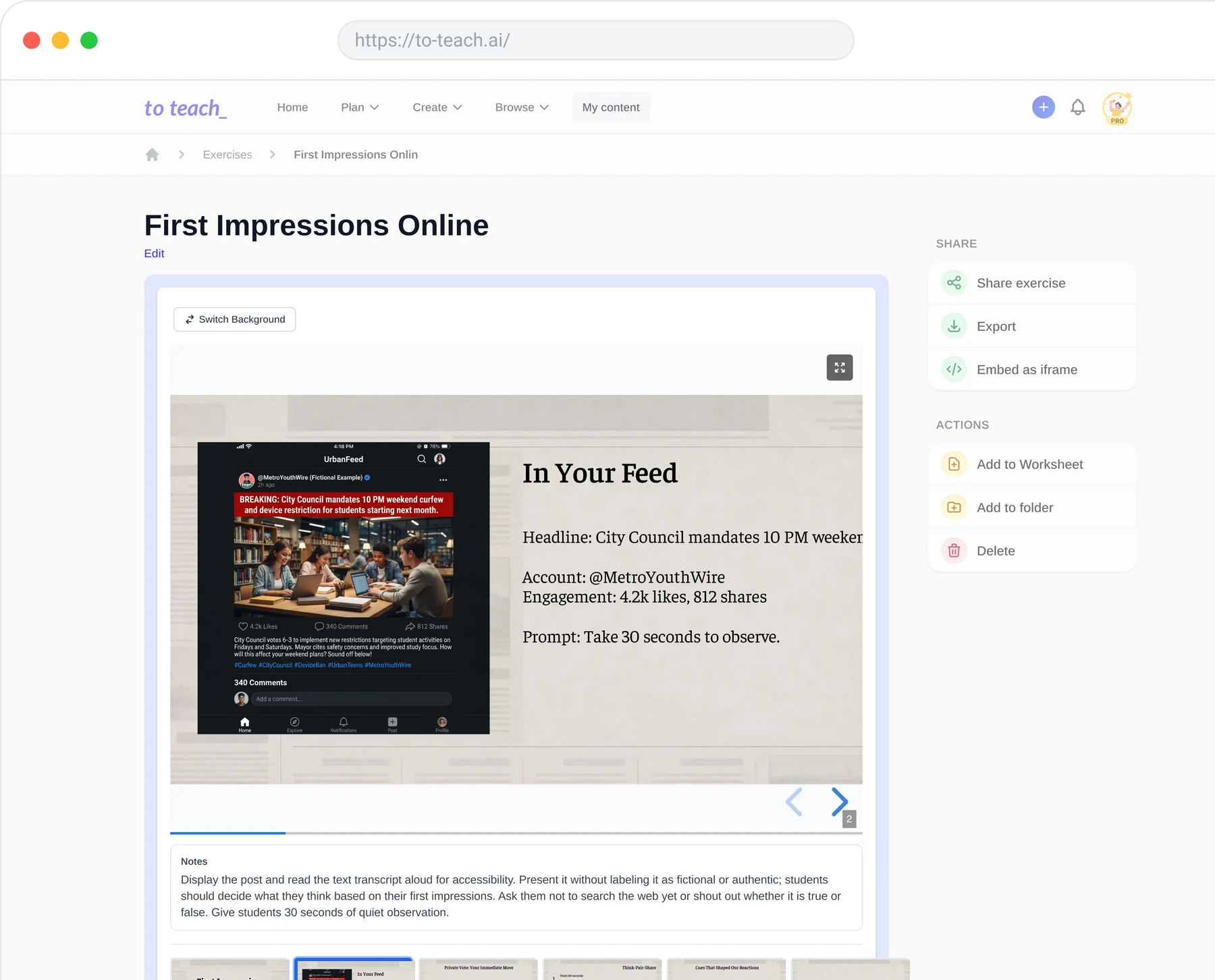
With to teach, PDF serves printed worksheets, DOCX lets you continue editing documents in Word, and H5P supports interactive activities. If you want to move between paper and digital teaching, start by exploring those material formats. Shared interactive exercises can also be used by students without a to teach account.
Neither platform requires you to start every idea from a blank page. Diffit has a resource library, and you can explore to teach’s materials for starting points that fit your next topic.
Free and paid plans
Diffit’s free Basic plan includes resource creation, editing and PDF output. The individual subscription costs US$14.99 per month or US$149.99 per year. Schools receive a separate quote.
to teach’s free plan includes 5 exercises, 3 worksheets and 2 lesson plans each month. Starter costs €5 per month billed yearly, with 100 exercises, 20 worksheets and 5 lesson plans a month. Pro costs €10 per month billed yearly, with 200 exercises, 50 worksheets and 25 lesson plans. Both paid tiers include answer keys and lesson plans with materials.
For a teacher preparing worksheets each week, Starter provides a clear monthly allowance. For planning across several classes, Pro increases both worksheet and lesson-plan capacity. You can begin on the free plan with a topic already on your timetable.
When to choose to teach as your Diffit alternative
Choose to teach when you want your preparation to connect the lesson sequence, student materials and the way you distribute them. You can inspect a complete example, bring your own source, and build material for paper or digital use in the same preparation workflow.
Create a worksheet in to teach or start a lesson plan. Use your next teaching topic and turn the comparison into something you can bring to class.
Prepare your next lesson, step by step