Crossword2 min read
Use YouTube Video as Basis for a Crossword Puzzle
Transform any YouTube video into an engaging crossword puzzle, helping students reinforce key concepts and enhance lesson retention.
Create it with to teach
In this article
Do you want your students to dive deeper into the content of a YouTube video you’ve selected for class? With to-teach.ai, you can effortlessly convert any educational video into a fun and interactive crossword puzzle. By highlighting key terms, concepts, or vocabulary from the video, you can ensure your learners remain engaged and truly absorb the content.
Why Use a Crossword Puzzle Based on Your YouTube Video?
Reinforce Key Terms
Students can cement crucial information by interacting with terms and definitions extracted from the video.Boost Engagement
Crossword puzzles are playful yet challenging, piquing learners’ interest and motivating them to revisit the video content.Flexible and Customizable
Tailor the crossword puzzle to any subject or difficulty level, ensuring it matches your class needs perfectly.Multi-Modal Learning
Combining audio-visual content from YouTube with an active puzzle-solving activity caters to different learning styles.Easy to Share and Track
With a single platform, you can assign the crossword puzzle to your students, track their progress, and provide instant feedback.
Getting Started
Creating a crossword puzzle from your favorite YouTube lessons could not be simpler. Once you’ve selected a video, our platform can analyze transcripts or let you manually highlight key points, which it then transforms into puzzle clues and answers. All you need to do is finalize the puzzle layout, share with your students, and watch their comprehension of the content soar.
Frequently Asked Questions (FAQ)
How do I create a crossword from my YouTube video notes?
Copy the relevant keywords or concepts from your video and paste them into the crossword generator in to-teach.ai. Our AI turns these entries into an engaging puzzle.Do I need a transcript for the video?
While a transcript helps identify key vocabulary, you can also manually enter your own words and clues. This flexibility ensures your puzzle aligns perfectly with your lesson.How can I customize the difficulty level of the crossword?
You can modify both the number of terms and the complexity of the clues. Choose simpler definitions or provide hints to accommodate different learner levels.Can this be used for any subject area?
Absolutely. Crosswords are versatile learning tools. Whether you’re teaching vocabulary in a language course or highlighting historical facts, you can adapt this to any field.Can I share the puzzle directly with students?
Yes. You can embed or link the crossword puzzle in your online course materials, email it, or share it via any classroom communication tool.
More guides
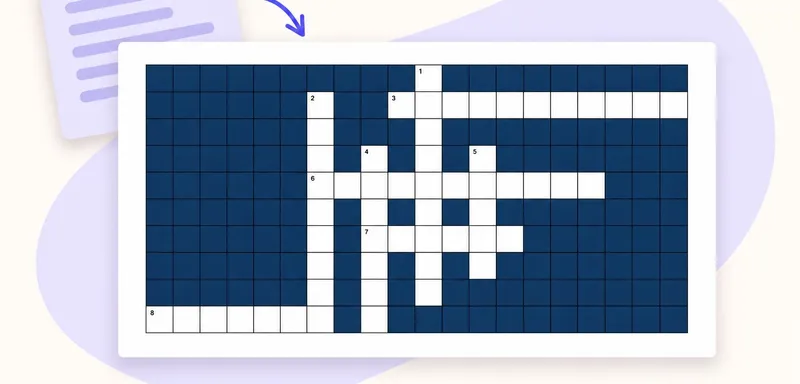
Create a classroom crossword from your own text
A classroom crossword works best when its clues bring pupils back to the meaning of words they have just met. Start with a short source, choose the vocabulary worth revisiting, and use to teach to turn it into an editabl
CrosswordTurn a PDF reading into a classroom crossword
Turn the key vocabulary in a PDF reading into a crossword pupils can solve after reading. This example uses a one-page school pond text and eight terms, including PRODUCER, CONSUMER and NUTRIENTS. Download the source bel
Crossword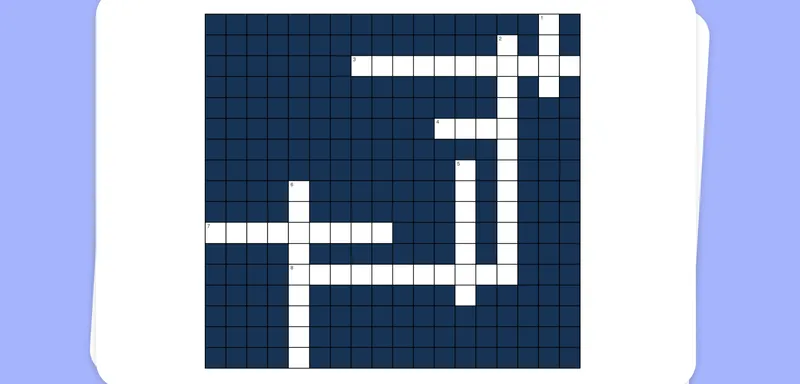
Extract Text from Images and Make a Crossword Puzzle
Use advanced Optical Character Recognition (OCR) to convert images into text that forms the basis for an engaging crossword puzzle, making your lesson content more interactive and fun.
Crossword