Match pairs2 min read
Turn Your YouTube Video into a Match Pairs Exercise
Transform any YouTube video into an interactive Match Pairs task, helping students connect key terms, names, or concepts directly to your video content.
Create it with to teach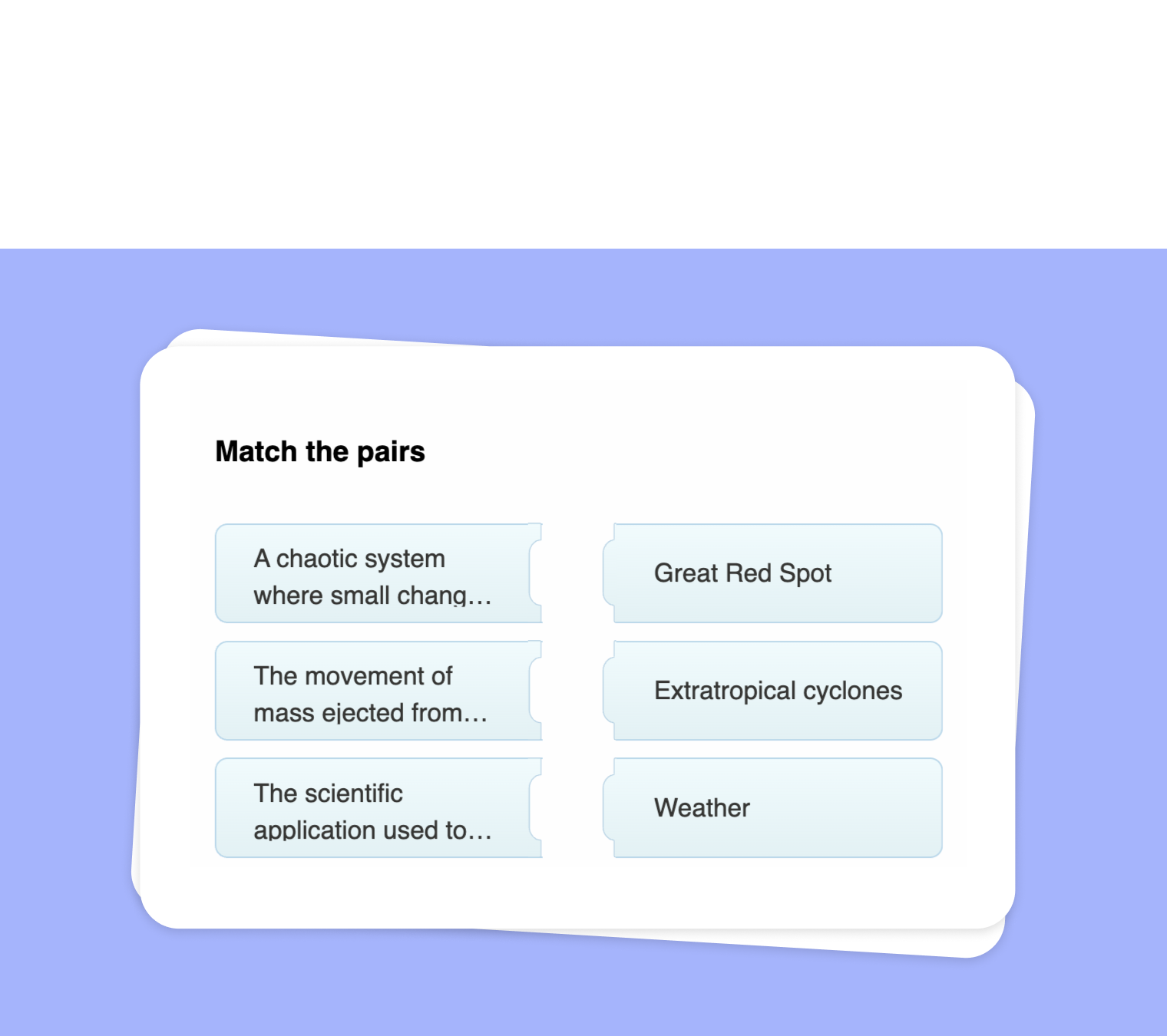
In this article
Do you want to bring your video-based lessons to life? With to-teach.ai, you can easily convert any YouTube video into a Match Pairs exercise. This tool enables your students to link relevant concepts, terminology, or characters from the video, creating a more interactive and memorable learning experience.
Why Use a Match Pairs Task for YouTube Videos?
Deepen Comprehension
Encourage close observation of the video content. Linking terms to clips or images from the video boosts focus and memory retention.Interactive Learning
Students gain a hands-on activity that breaks the monotony of passive video-watching, keeping them actively engaged.Flexible Curriculum Integration
Match Pairs can be adapted to any subject, such as matching historical figures to events, scientific terms to experiments, or literary characters to their traits.Instant Feedback
Our AI simplifies the creation process, enabling real-time feedback. Students learn from their mistakes and correct them on the spot.Time-Saving for Educators
Creating and grading these exercises is a breeze, as the platform deploys AI to automate repetitive tasks.
Getting Started
Upload Your YouTube URL
Copy and paste your video link into to-teach.ai. Let our AI scan the content to identify possible matching pairs.Select Key Terms and Pairs
Decide what elements you want students to match. This could be definitions, vocabulary words, names, or main ideas.Let AI Generate Suggestions
Our system will automatically propose pairs based on the content. You can modify or add more if needed.Finalize and Share
Customize instructions, layout, and difficulty level. Once satisfied, publish and share the exercise with your students.
Frequently Asked Questions (FAQ)
How do I turn my YouTube video into a Match Pairs task?
Just insert your video link into to-teach.ai, select the Match Pairs feature, and our AI will help you create pairs related to the video content.Is there an option to include images or text only?
Absolutely. You can configure your Match Pairs to include images, text prompts, or a mix of both, depending on your students’ needs.Can I customize the difficulty level?
Yes. You can add more pairs, increase or decrease complexity, and include context clues to accommodate different learning levels.Is this feature suitable for all age groups and subjects?
Yes. By choosing the right level of complexity and the appropriate video, you can adapt Match Pairs to fit any grade level or topic.How does AI help simplify lesson planning?
to-teach.ai uses AI to analyze your video, suggest matching terms, and streamline quiz creation. This lightens your workload, so you can focus on teaching.
Match pairs
From your own text, a PDF, a YouTube video, a website or an image.
Create it with to teachMore guides
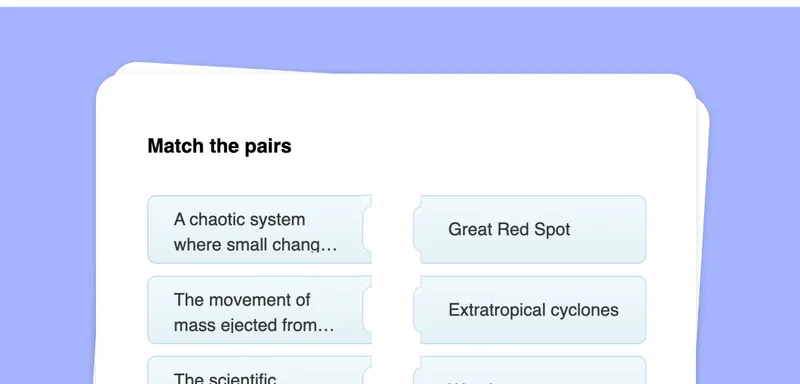
Convert Your PDF into a Match Pairs Activity with to-teach.ai
Transform any PDF into a dynamic Match Pairs exercise, helping students connect terms and concepts for better knowledge retention.
Match pairsTurn Your Text into a Match Pairs Task
Transform your own text into a Match Pairs task that encourages active engagement. Whether you're matching key terms, synonyms, or historical figures, this format promotes deeper understanding in a visually interactive way.
Match pairsExtract Text from Websites and Create a Match Pairs Exercise
Seamlessly extract text from websites and transform it into an engaging Match Pairs exercise. Encourage students to correctly pair terms, definitions, names, or concepts—perfect for vocabulary building, concept reinforcement, and interactive learning.
Match pairs