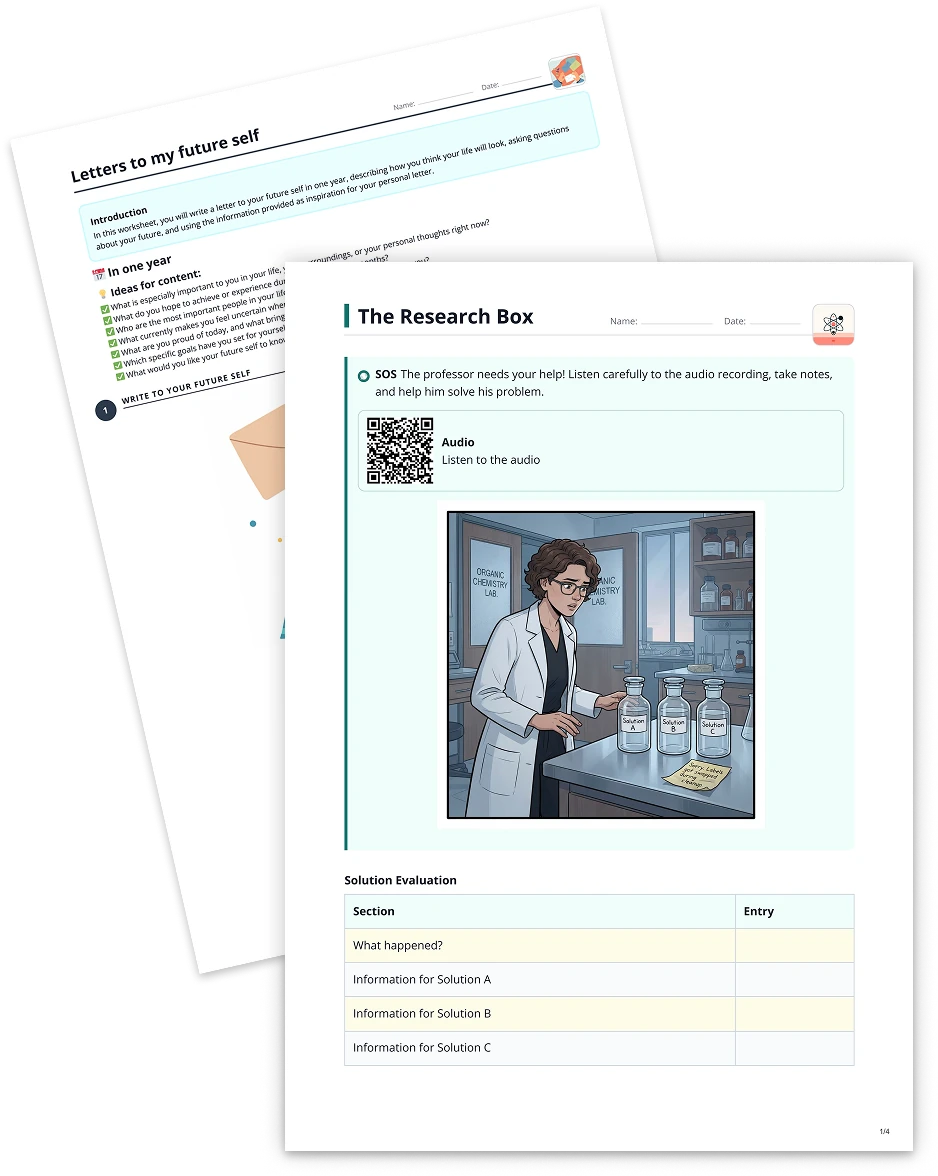
Fill the gap2 min read
Extract Text from Websites and Convert it into a Fill-the-Gap Task
Extract text from websites and transform it into a fill-the-gap exercise, making your content more dynamic and interactive for students.
Create it with to teach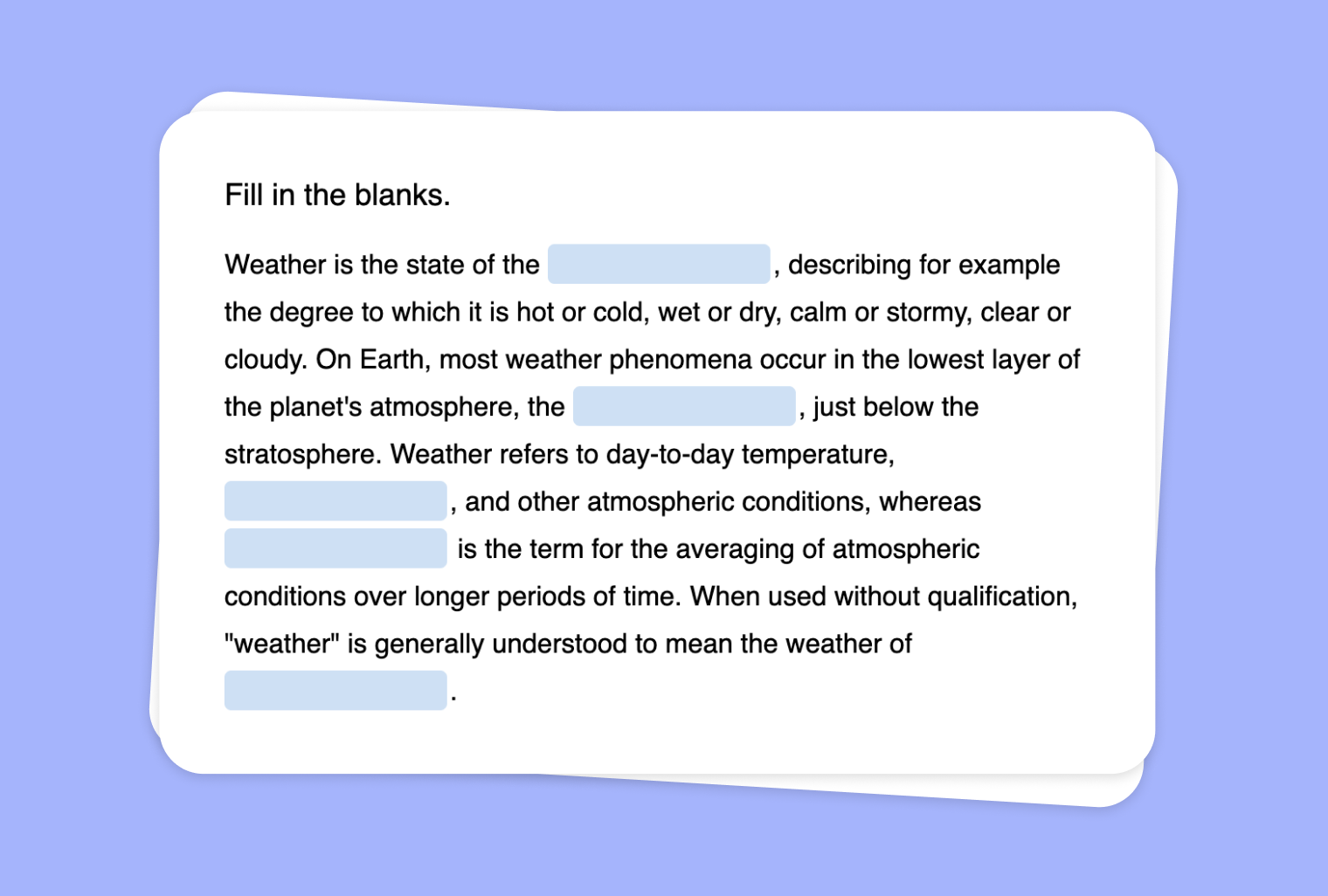
In this article
Do you want an engaging way to help students interact with text directly sourced from websites? With to-teach.ai, you can scrape any webpage and convert the extracted text into a Fill-the-Gap Task. This tool allows you to highlight essential vocabulary, reinforce key learning objectives, and provide a fun, interactive practice for your learners.
Why Create a Fill-the-Gap Task from Website Content?
Capture Real-World Materials
Use up-to-date content from authoritative websites to keep your classroom connected with current events or specialized topics.Reinforce Vocabulary
Have students fill in missing words and phrases, improving their spelling, grammar, and reading comprehension skills.Build Engagement
Turn a plain text into an interactive puzzle. Students learn more effectively when tasks are fun and dynamic.Check Understanding
Use fill-the-gap exercises to quickly gauge how well learners grasp the core points of an article or resource.Flexible & Customizable
Tailor the difficulty by choosing which words to remove, and create tasks suitable for any proficiency level.
How to Get Started
- Scrape Your Website
Paste the URL into to-teach.ai to extract the text. - Select the Fill-the-Gap Option
Our AI will suggest which words or phrases to omit. - Refine & Customize
Adjust the gap difficulty, number of blanks, and instructions. - Assign to Students
Generate a shared link or embed the exercise in your learning management system.
Frequently Asked Questions (FAQ)
Which types of websites are best for extracting text?
Any website with written content works well. From news sites to educational blogs, you can choose text that aligns with your subject.Can I control which words are removed in the fill-the-gap exercise?
Yes. After scraping the text, you can manually select key terms or let the AI suggest words based on relevance and difficulty.What if my website requires a login or is behind a paywall?
As long as you have permission to access and share the text, you can copy-paste the content directly into to-teach.ai without going through the login.How can I adapt the difficulty level for different learners?
Simply adjust the number of blanks and the complexity of omitted words. Beginners can focus on basic vocabulary, while advanced students tackle more nuanced terms.Does the platform work with other languages besides English?
Absolutely. to-teach.ai supports multiple languages, letting you create fill-the-gap tasks for language classes or bilingual programs.
Fill the gap
From your own text, a PDF, a YouTube video, a website or an image.
Create it with to teachMore guides
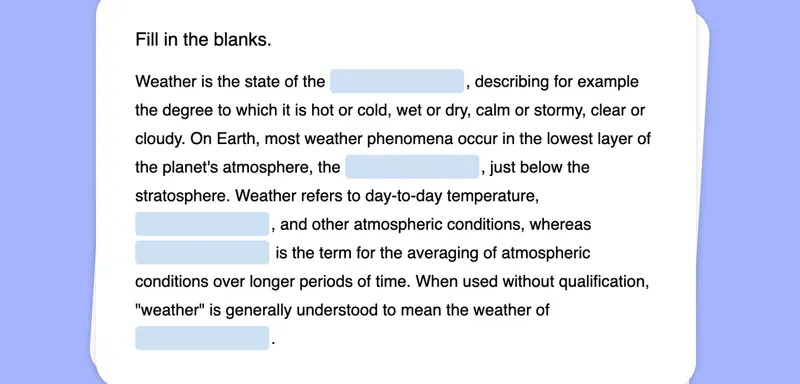
Create a Fill-the-Gap Task from Your Image
Generate a unique fill-the-gap activity from any image, transforming visual clues into engaging text exercises for your students.
Fill the gapTurn Your PDF into a Fill-the-gap Text
Create a fill-the-gap task from your PDF document, inviting learners to actively engage and recall key concepts through structured text interactions. Perfect for vocabulary building, comprehension checks, and test prep.
Fill the gapCreate a Fill-the-Gap Task Based on Your YouTube Video
Leverage any YouTube video to create an interactive fill-the-gap exercise and enhance listening comprehension, vocabulary, and student engagement with to-teach.ai.
Fill the gap