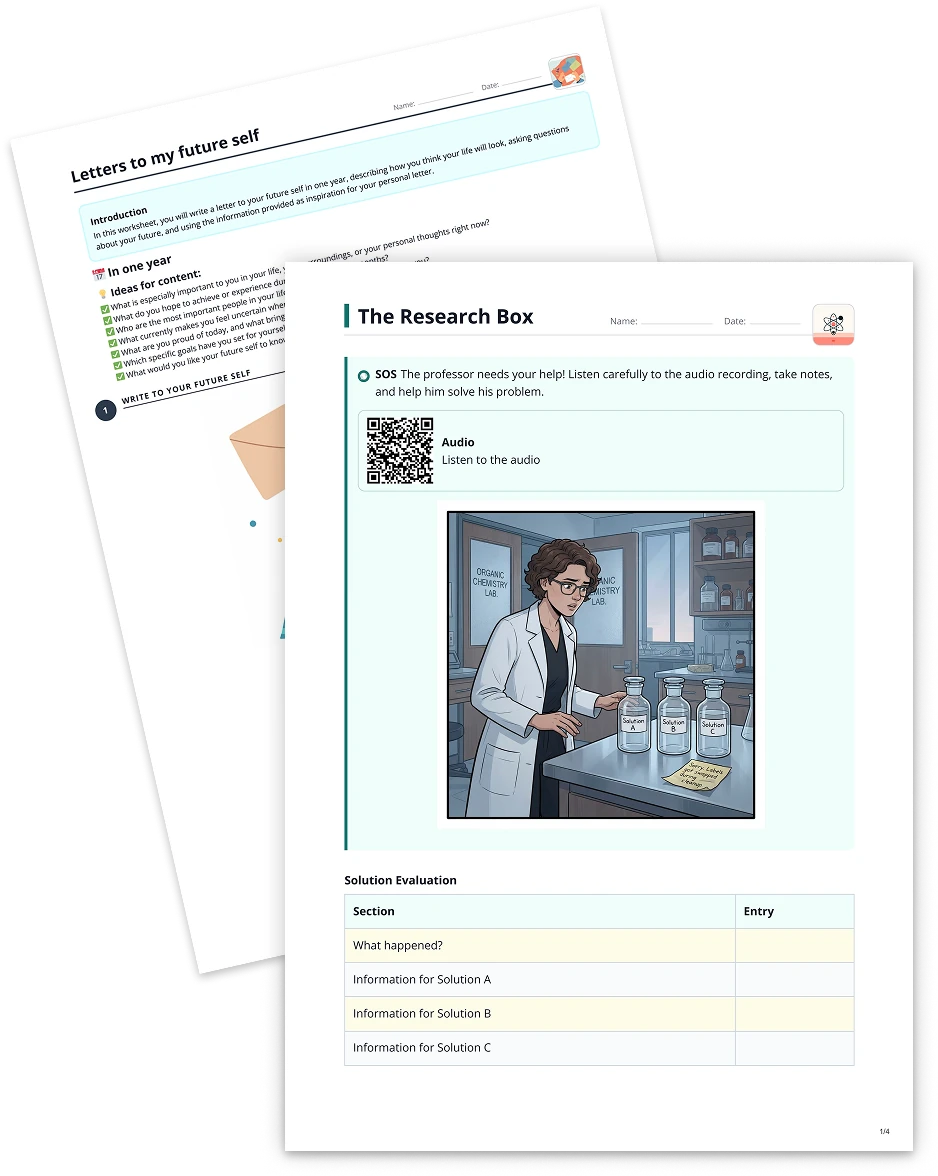
Multiple choice quiz2 min read
Transform Your Audio File into a Multiple Choice Quiz
Convert any audio file into a dynamic multiple choice quiz to enhance listening comprehension and reinforce key concepts in an interactive format.
Create it with to teach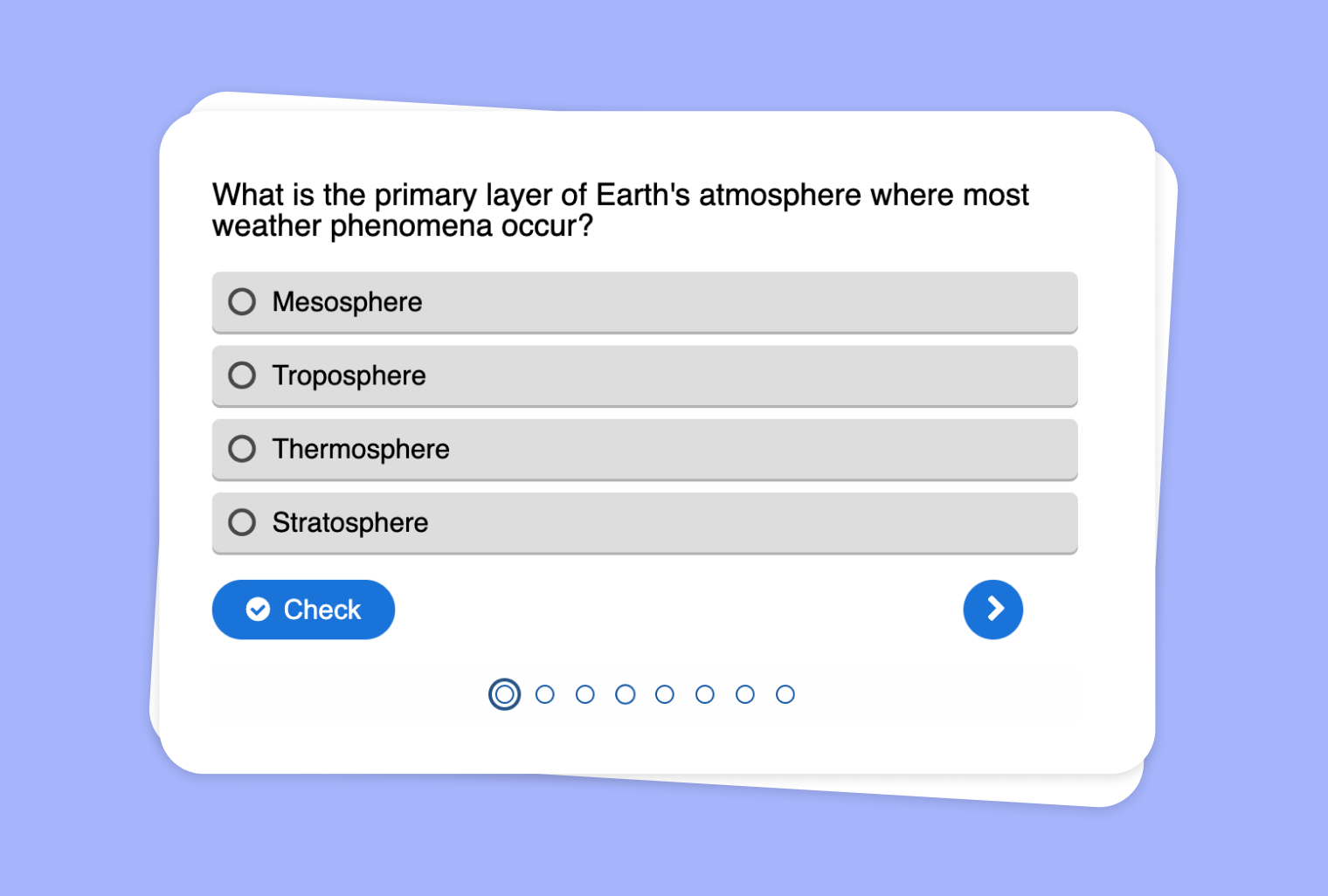
In this article
Are you looking for a more engaging way to assess listening and content retention? With to-teach.ai, you can seamlessly transform any audio file—be it a lecture, podcast clip, or interview—into a Multiple Choice Quiz. This automated process makes it simple to track students’ comprehension and keep them actively involved in your lesson.
Why Turn Audio Files into Multiple Choice Quizzes?
Improve Listening Skills
Listening is an essential skill in many subjects. By converting audio content into quizzes, you encourage students to pay close attention and retain more information.Reduce Teacher Workload
No need to craft each question manually. Our AI identifies key points from your audio, generating relevant and targeted multiple choice questions.Track Progress Quickly
Instantly see how well your students are doing. The platform logs results so you can easily identify strengths and weaknesses.Focus on Key Concepts
Ensure your quizzes revolve around the most critical pieces of information, helping students focus on the main takeaways.Use Across Various Subjects
From language learning to history to science, audio-based quizzes can be adapted to any topic or grade level.
Getting Started
Setting up an audio-based multiple choice quiz takes just a few steps. Simply upload your audio or provide a link within to-teach.ai, then sit back while the AI generates contextually relevant questions. Fine-tune your quiz with custom answer choices or hints, and you’ll have a ready-to-deploy activity in no time.
Frequently Asked Questions (FAQ)
How do I upload my audio to create a multiple choice quiz?
In your to-teach.ai dashboard, click 'Add Activity' and choose 'Audio.' Upload or link your audio and select the 'Multiple Choice Quiz' feature. The AI does the rest.What types of quizzes can I expect from audio-based content?
The AI pinpoints the main ideas and critical details from your audio. It then formulates multiple choice questions to test students’ comprehension, vocabulary, and overall listening skills.Can I edit or add my own questions and answers?
Absolutely. While the AI generates a set of questions automatically, you can add, modify, or remove questions and answers to match your specific objectives.Is there a limit to the length or size of the audio file?
The platform supports a wide range of audio lengths. For longer files, simply ensure you have sufficient upload capacity or provide a streaming link if available.Do I need advanced technical skills to set up an audio-based quiz?
Not at all. Our user-friendly interface guides you step by step, so even a beginner can create customized multiple choice quizzes from audio files in minutes.
Multiple choice quiz
From your own text, a PDF, a YouTube video, a website or an image.
Create it with to teachMore guides
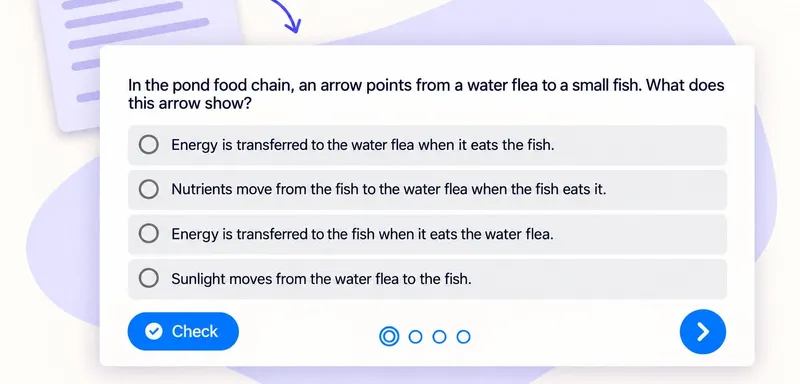
Create a multiple-choice quiz that checks pupils’ understanding
A useful classroom quiz tells you which idea to revisit. With to teach, you can create a multiple-choice quiz from the text your pupils are reading, then refine the questions and answer options before sharing it. Here we
Multiple choice quizTurn a PDF reading into a classroom multiple-choice quiz
Turn a PDF reading into a short comprehension check with one clear purpose per question. Our school pond example checks four ideas: energy transfer, producers, nutrient uptake and food webs. The source and finished quiz
Multiple choice quiz
Use YouTube Video to Generate a Multiple Choice Quiz
Leverage your favorite YouTube video to generate a targeted multiple choice quiz, promoting active listening and improved retention.
Multiple choice quiz