Grouping2 min read
Extract Text from Images and Convert to a Group Sorting Task
Transform any text extracted from images into an immersive Group Sorting assignment, enabling dynamic classification and interactive learning opportunities.
Create it with to teach
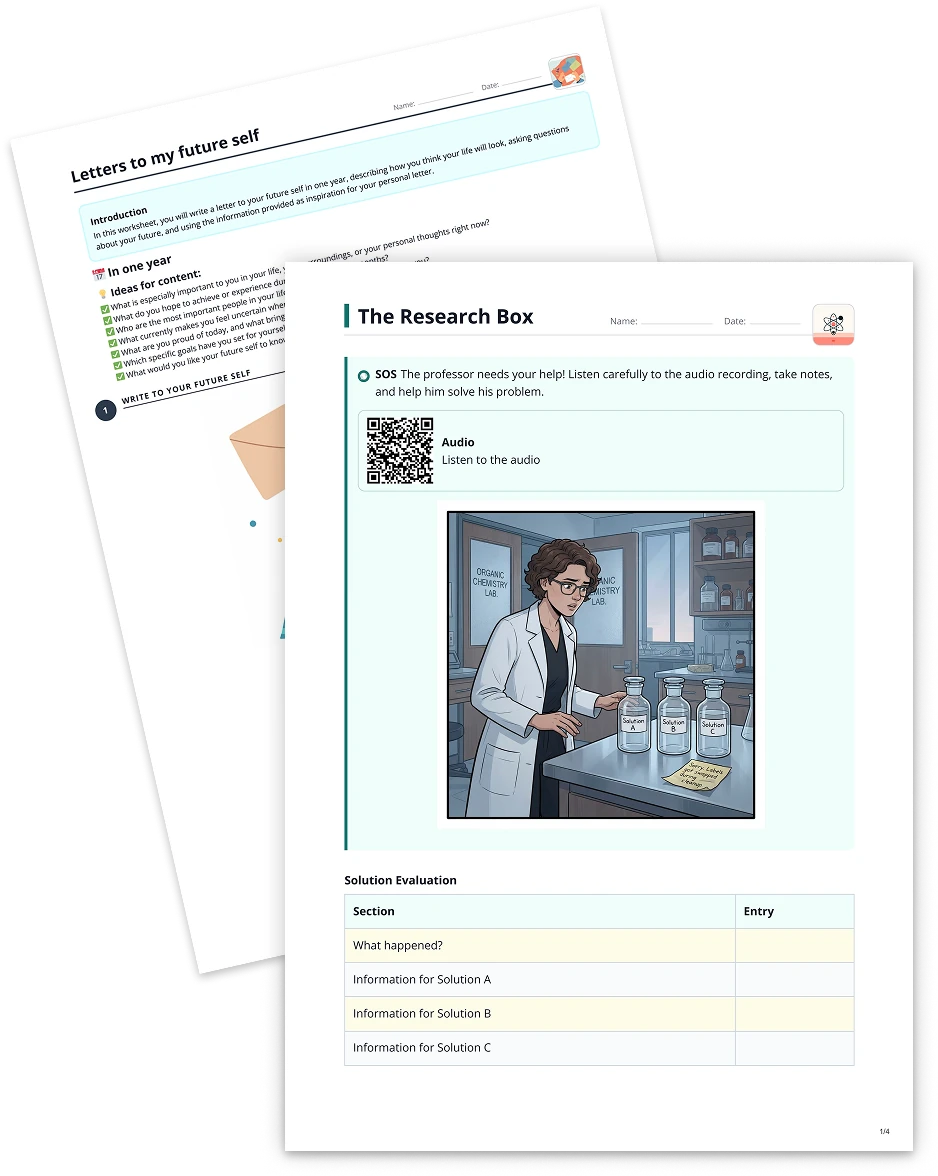
Want to take your classroom materials to the next level? With to-teach.ai, you can easily extract text from images using OCR (Optical Character Recognition) and turn that text into a Group Sorting Task (Gruppenzuordnung). Whether it's vocabulary lists, sentences, or thematic keywords, you can have your students categorize and classify text into specific groups for an engaging, hands-on learning experience.
Why Use OCR for Group Sorting?
Leverage Existing Printed Materials
Snap a picture of a worksheet, textbook excerpt, or poster. to-teach.ai quickly extracts the text, letting you reuse materials in a new, interactive format.Enhance Reading & Comprehension
By organizing words, phrases, or sentences into groups, students actively review and internalize the material.Foster Critical Thinking
Sorting tasks encourage learners to analyze content and categorize it logically, developing key problem-solving skills.Personalize Instruction
Differentiate tasks for varying skill levels. You can provide simpler categories for younger learners or more complex classifications for advanced students.Engaging for Any Subject
From language learning and literature to science or social studies, Group Sorting is flexible enough to accommodate any curriculum.
Getting Started
- Upload an Image for OCR
Upload or snap a photo of your text-based material, then let to-teach.ai’s AI-driven OCR extract the text. - Create Groups
Define categories or groups based on your lesson objectives—this could be parts of speech, genres, themes, or even mathematical concepts. - Organize and Assign
Quickly convert the extracted text into draggable items that your students can match to each group. - Review & Reflect
Students get instant feedback, allowing them to correct mistakes on the spot. Teachers can also gain insights into how well students understand content.
By integrating OCR with Group Sorting tasks, you not only save time but also amplify the learning experience. Give your students an engaging, hands-on way to interact with course material across various subjects.
Frequently Asked Questions (FAQ)
How do I convert an image’s text into a sorting task?
Simply upload your image to to-teach.ai. Our OCR automatically extracts the text, which you can then drag and drop into different categories or groups.Can I create differentiated sorting activities for different skill levels?
Absolutely. You can define categories that range from simple groupings to more complex classification tasks, ensuring each student is challenged appropriately.Is there a limit to the amount of text I can extract from an image?
Typically, to-teach.ai handles both short texts and lengthy passages. If you encounter any issues, consider breaking longer texts into smaller chunks.What subjects or topics are best suited for a Group Sorting Task?
Almost any subject works. Use it to teach vocabulary, categorize historical events, group scientific terms, or even classify different math problems.How can I provide feedback to students after they submit their sorting?
to-teach.ai offers built-in feedback features. You can set correct answers and provide hints, enabling students to learn from their mistakes and refine their understanding.
More guides

Turn Scraped Text into Gruppenzuordnung Tasks
Transform any scraped text into a dynamic, category-based grouping assignment to enhance student engagement and mastery of key concepts.
GroupingUse Image as Basis for a Grouping Task
Transform any image into a dynamic grouping task, enabling students to sort words, concepts, or sentences into predefined categories for interactive learning.
GroupingTurn Your Text into a Grouping Exercise (Gruppenzuordnung)
Transform any text into a grouping exercise (Gruppenzuordnung), allowing your students to assign words, terms, or sentences to predefined categories for interactive learning.
Grouping