
Transform OCR Text into a WhatsApp Chat Format
Use Cases
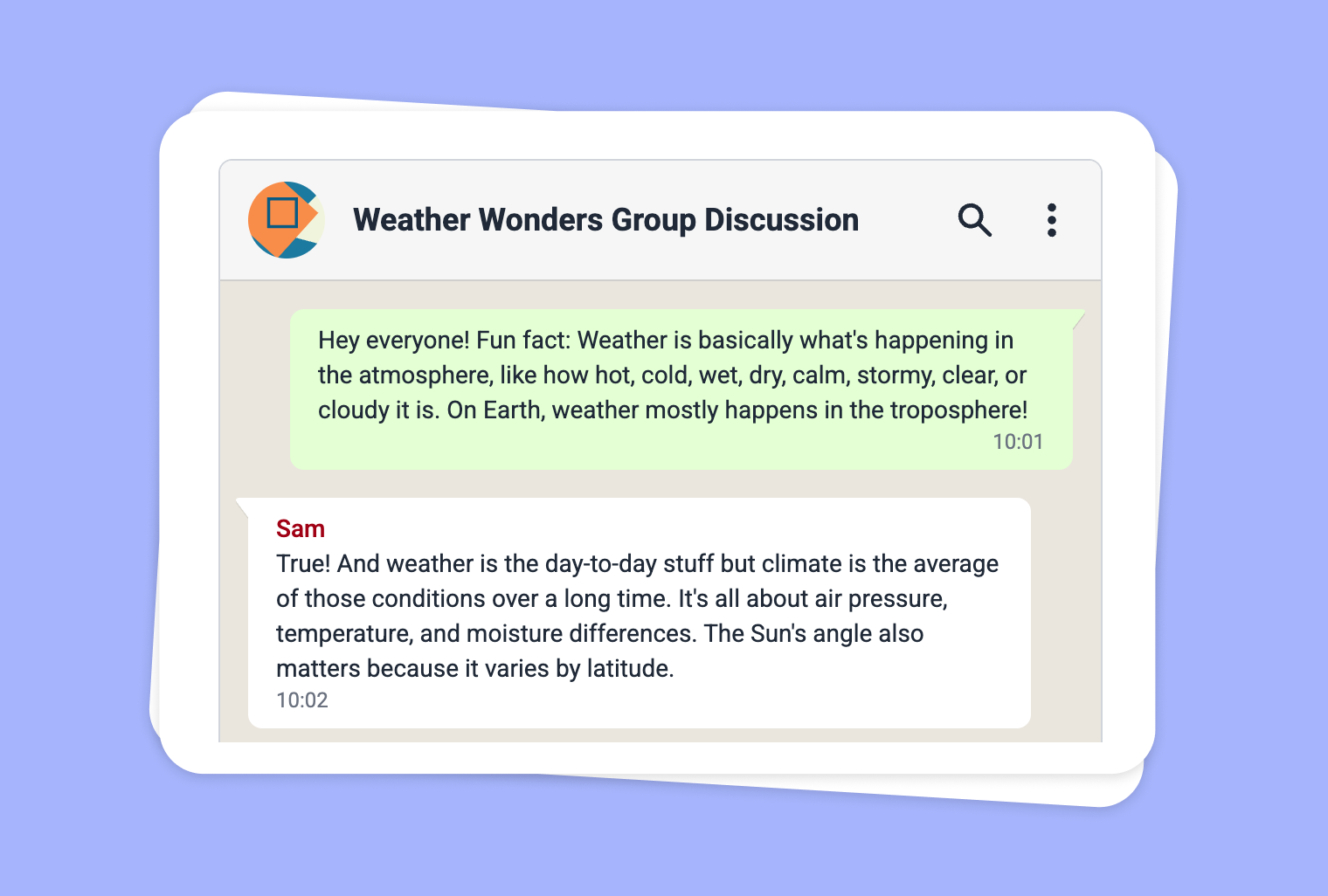
Are you looking for unique ways to use text extracted from images (via OCR) in the classroom? With to-teach.ai, you can transform any scanned content into an engaging WhatsApp-style chat. Perfect for simulating real-life conversations, this tool encourages collaboration and critical thinking while bringing an element of fun to your lessons.
Why Use WhatsApp Chat Format?
Instant Engagement
Students are familiar with chat interfaces, making the learning content feel modern, relevant, and easily digestible.Contextual Learning
By simulating real-world discussions, students can better grasp tone, context, and the flow of information.Easy Collaboration
Teachers can direct multiple viewpoints or characters into the conversation, prompting students to analyze diverse perspectives.Customizable Content
Whether you’ve extracted historical texts, literature excerpts, or lab instructions, you can adapt the chat to fit nearly any subject.
Getting Started
Open to-teach.ai, import your scanned image, and let our platform handle the OCR. Once the text is captured, simply choose the “WhatsApp Chat” option to transform it into an interactive dialogue. You can then customize character names, avatars, and message flow to create a realistic conversation.
Frequently Asked Questions (FAQ)
How do I upload scanned documents into to-teach.ai?
Go to the OCR feature, upload your image or document, and let the AI extract the text. Then you can seamlessly convert it into a WhatsApp Chat.Can I edit the conversation after it’s generated?
Yes, you can rename chat participants, reorder messages, and even add emoticons to make the experience more lifelike.Is the WhatsApp Chat tool suitable for group activities?
Absolutely. Multiple students can participate by taking on different roles, encouraging teamwork and boosting class interaction.Can I customize the chat appearance to match the lesson theme?
Definitely. You can adjust color schemes, fonts, and even add relevant images or emojis to align with your lesson content.What subjects can benefit from WhatsApp Chat simulations?
Any subject! Whether it’s science, history, or language classes, the chat format makes learning fun and interactive.
Sign Up for to-teach.ai!
Join more than 100,000 educators who are transforming their lesson planning with to-teach.ai
Sign Up for to-teach.ai!
Join more than 100,000 educators who are transforming their lesson planning with to-teach.ai
Start for free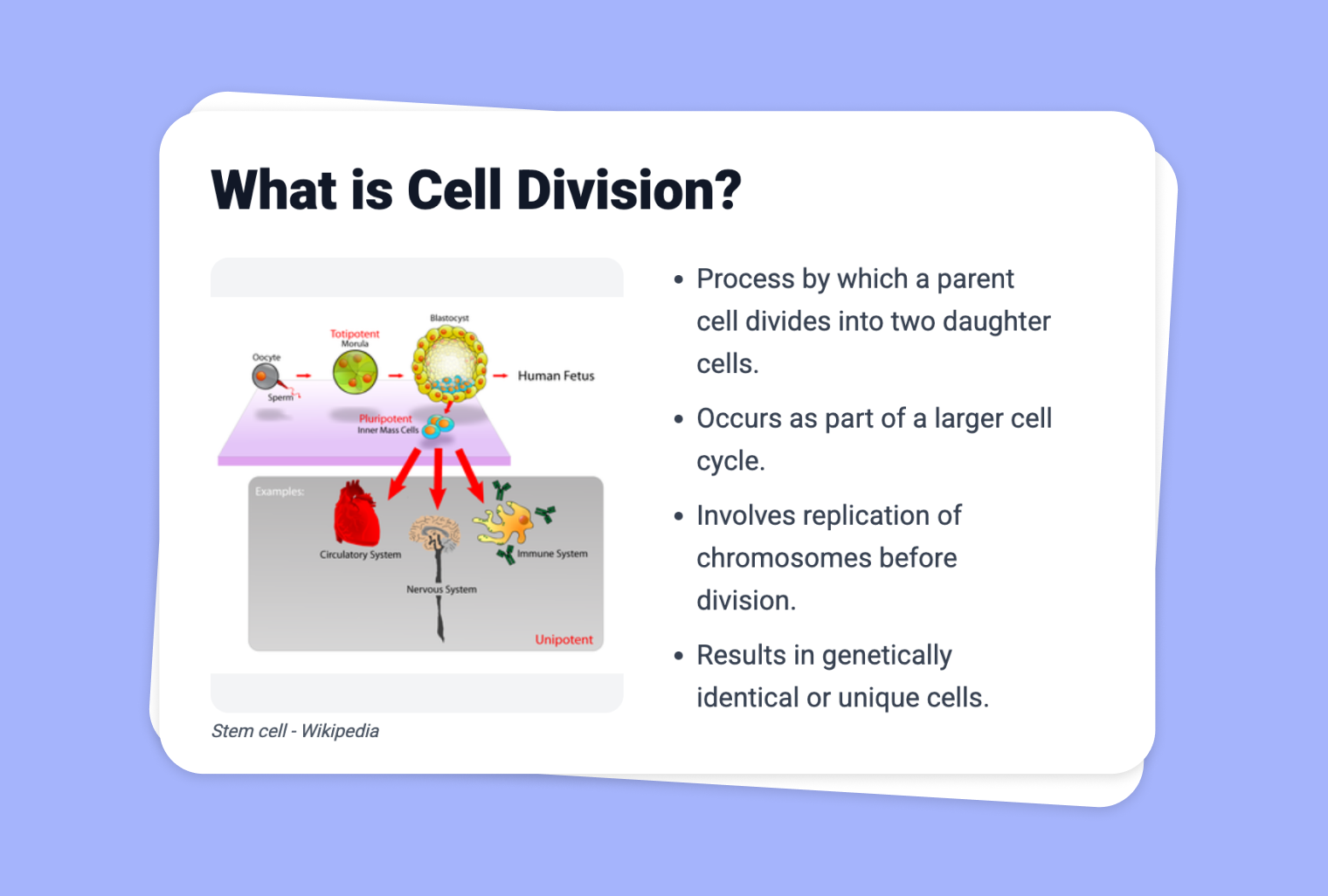
Turn Your PDF into a Presentation
Transform any PDF file into a dynamic, slide-based presentation with integrated design suggestions, making lesson preparation faster and more immersive.
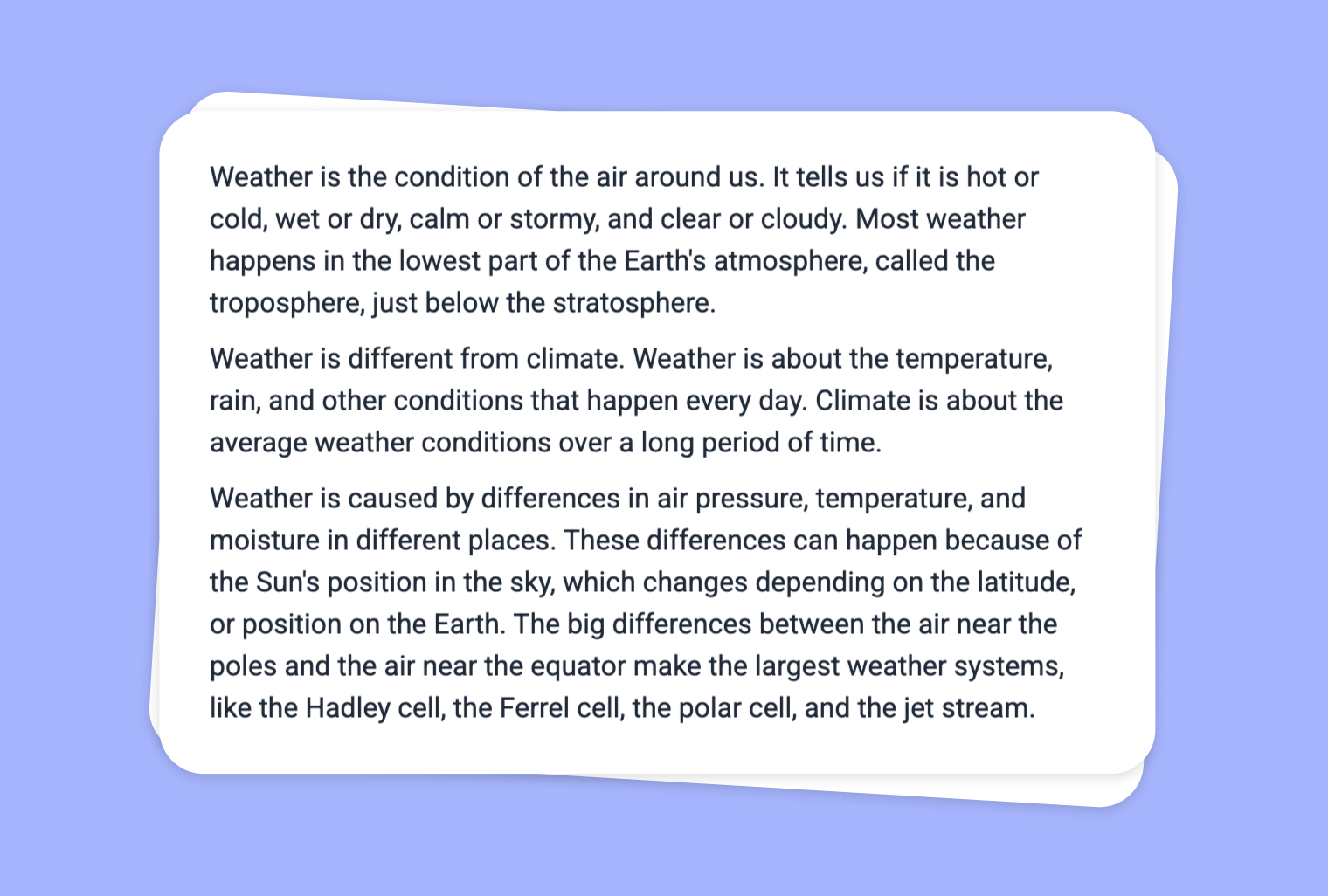
Use Image as Basis for a Task: Simplify Texts
Adapt your texts or online articles to the language level and skillset of your students.
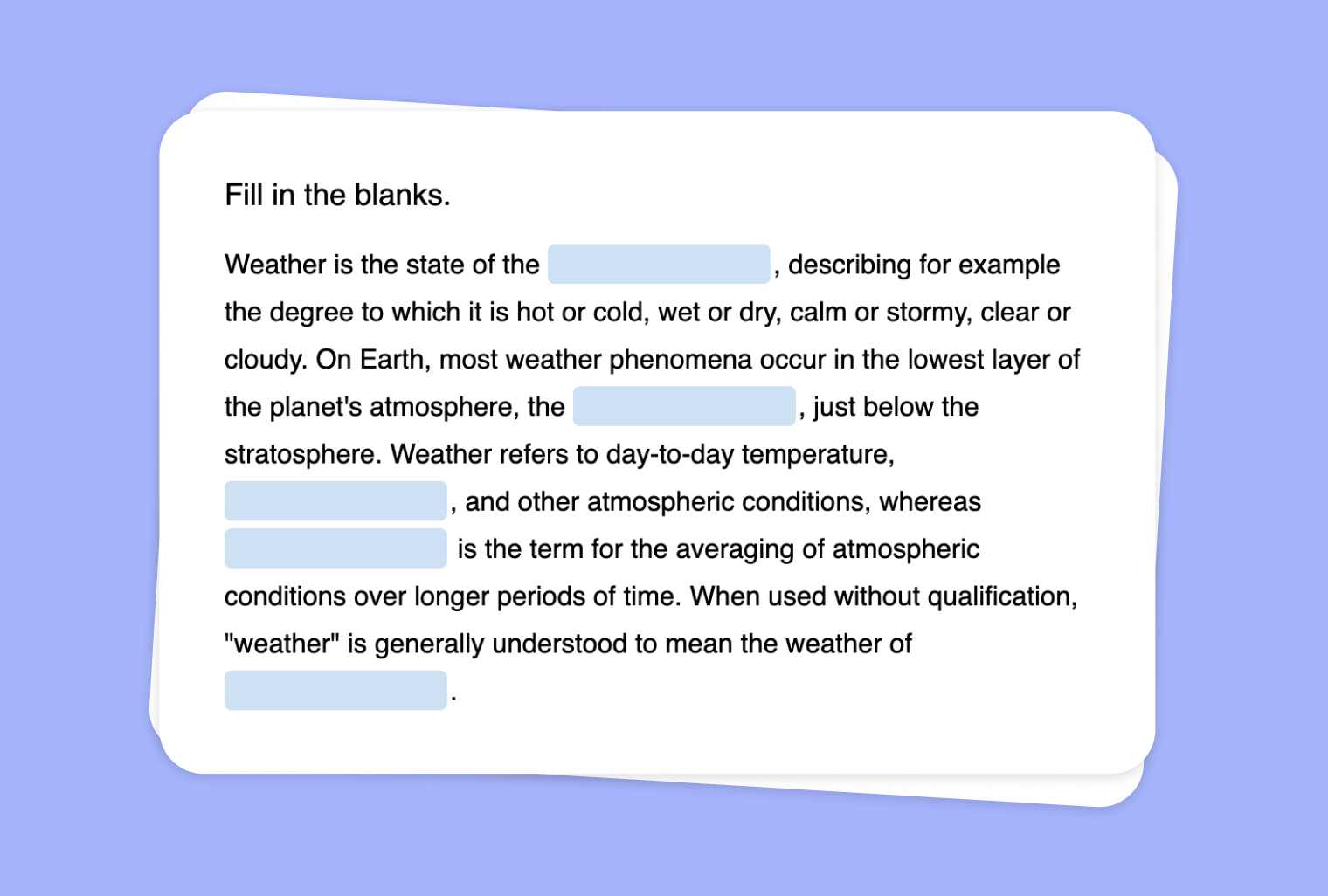
Transform Your Text into a Fill-the-Gap Task with to-teach.ai
Create an interactive fill-the-gap activity from your own text, enhancing comprehension and engagement through targeted blanks.